This is a personal reference for the Picture component on my site. I kept copy-pasting image markup across pages until it got messy enough to fix. This page documents the variants so I don’t have to dig through the source every time I forget the API.
Source: Picture.astro
Default
<Picture img={myImage} imgAlt="A screenshot" />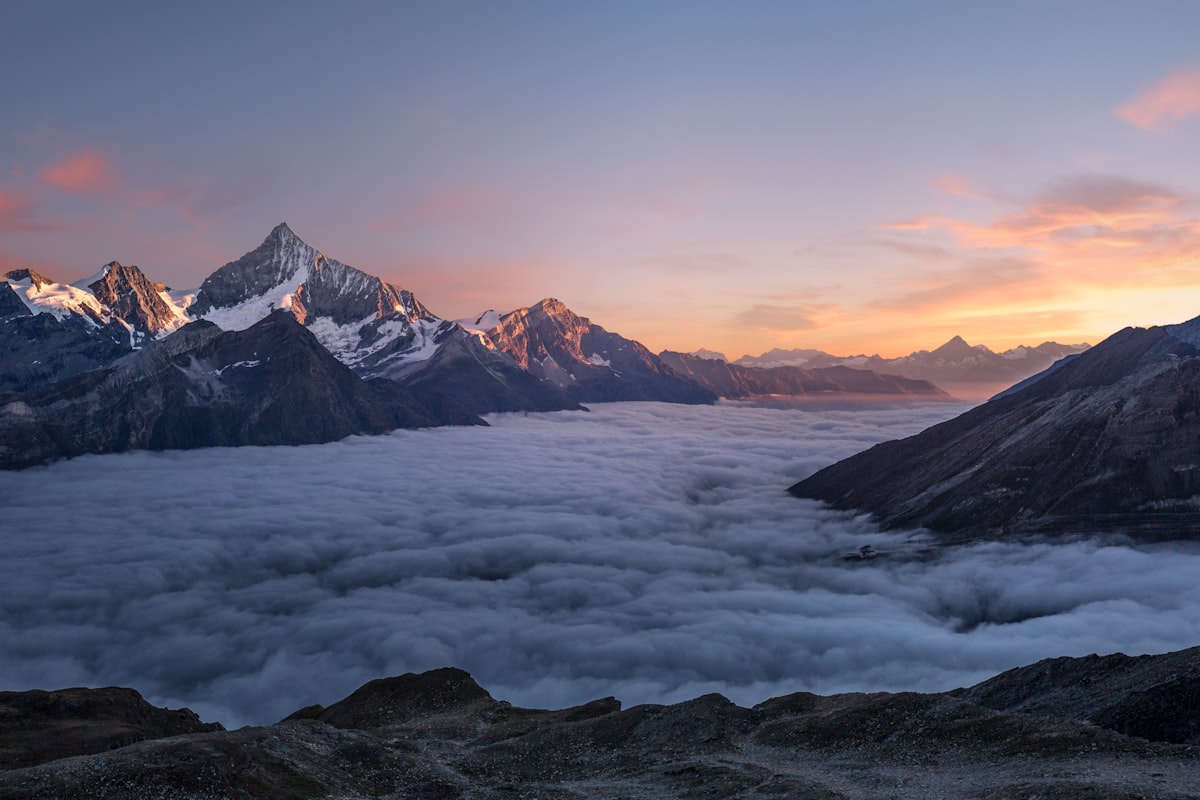
Transparent
<Picture img={logo} imgAlt="Company logo" variant="transparent" />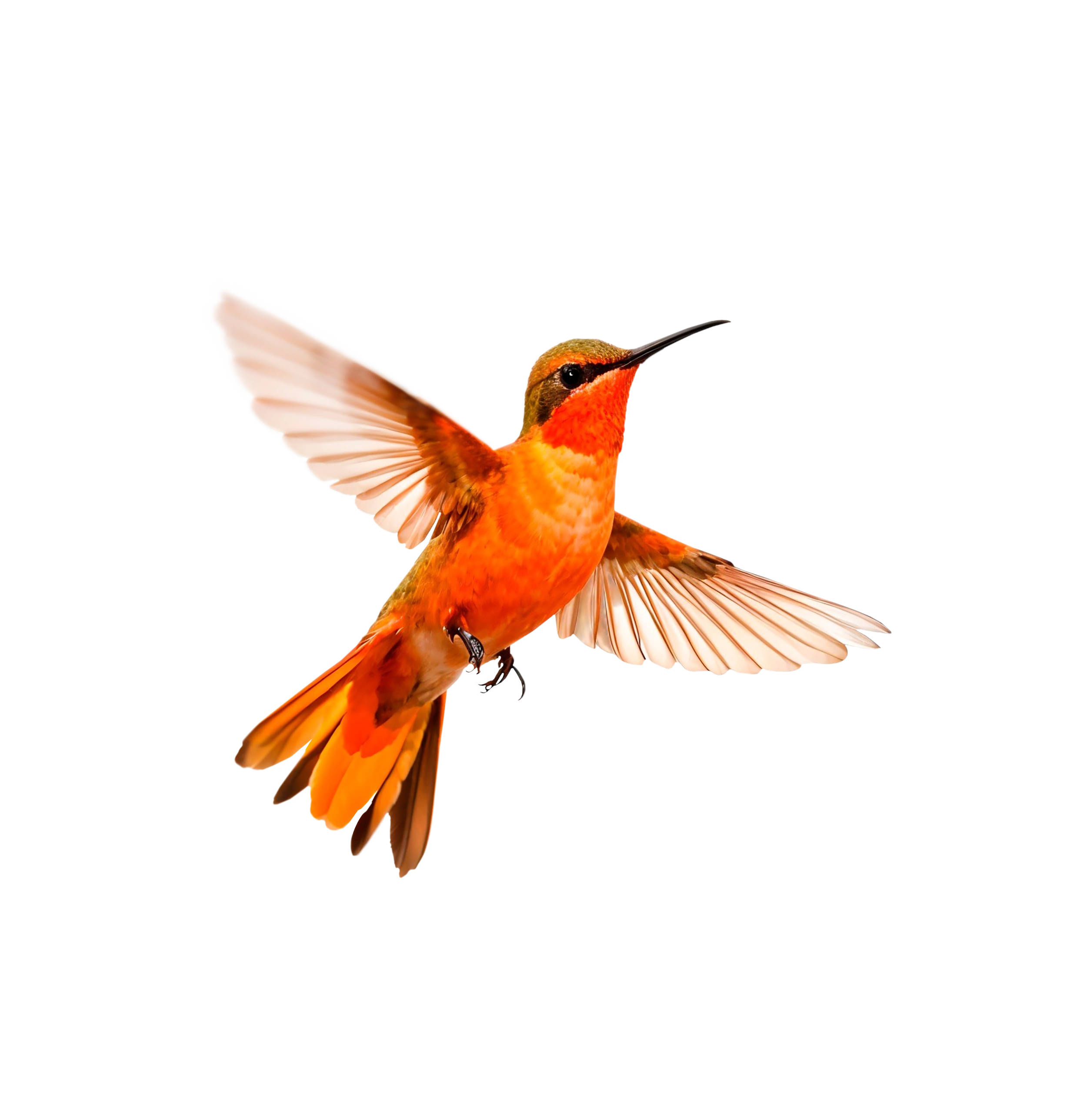
Full
<Picture img={heroImage} imgAlt="Detailed screenshot" variant="full" />
Grid
<Picture img={[image1, image2]} imgAlt={["Before", "After"]} variant="grid" columns={2}/>

columns={2} and columns={3} supported. Collapses to one column on small screens.
Grid Full
<Picture img={[image1, image2]} imgAlt={["One", "Two"]} variant="grid-full" columns={2}/>